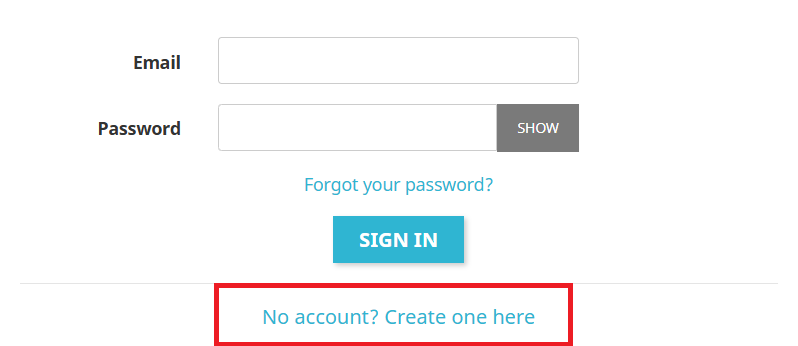
If you do not already have a user account associated with your email address, you can create one by going to the and clicking on the link at the bottom of the page.
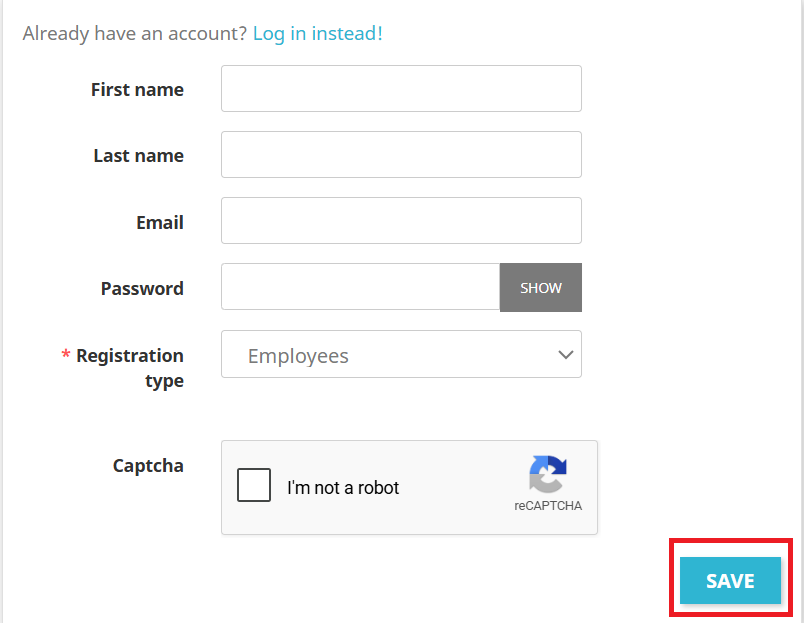
You will be redirected to the registration page where you simply need to complete all required fields and click the “Save”.
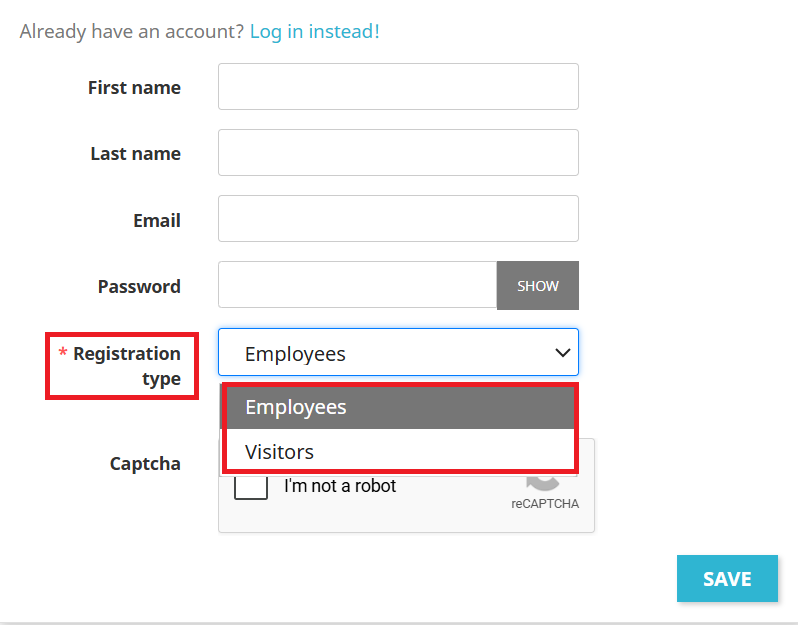
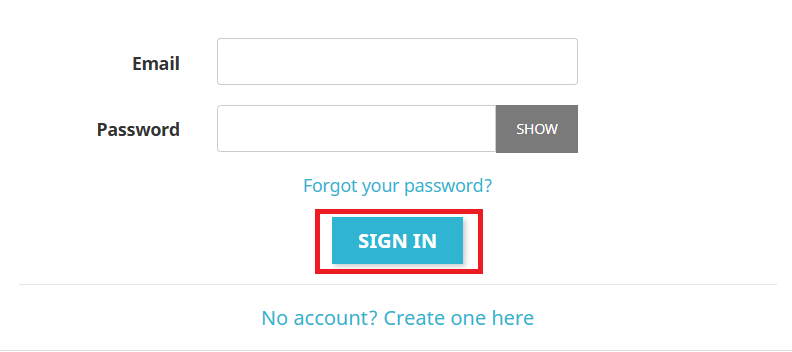
If you already have a user account associated with your email address, you can log in by going to the . Enter your information and click the “SIGN IN” button.
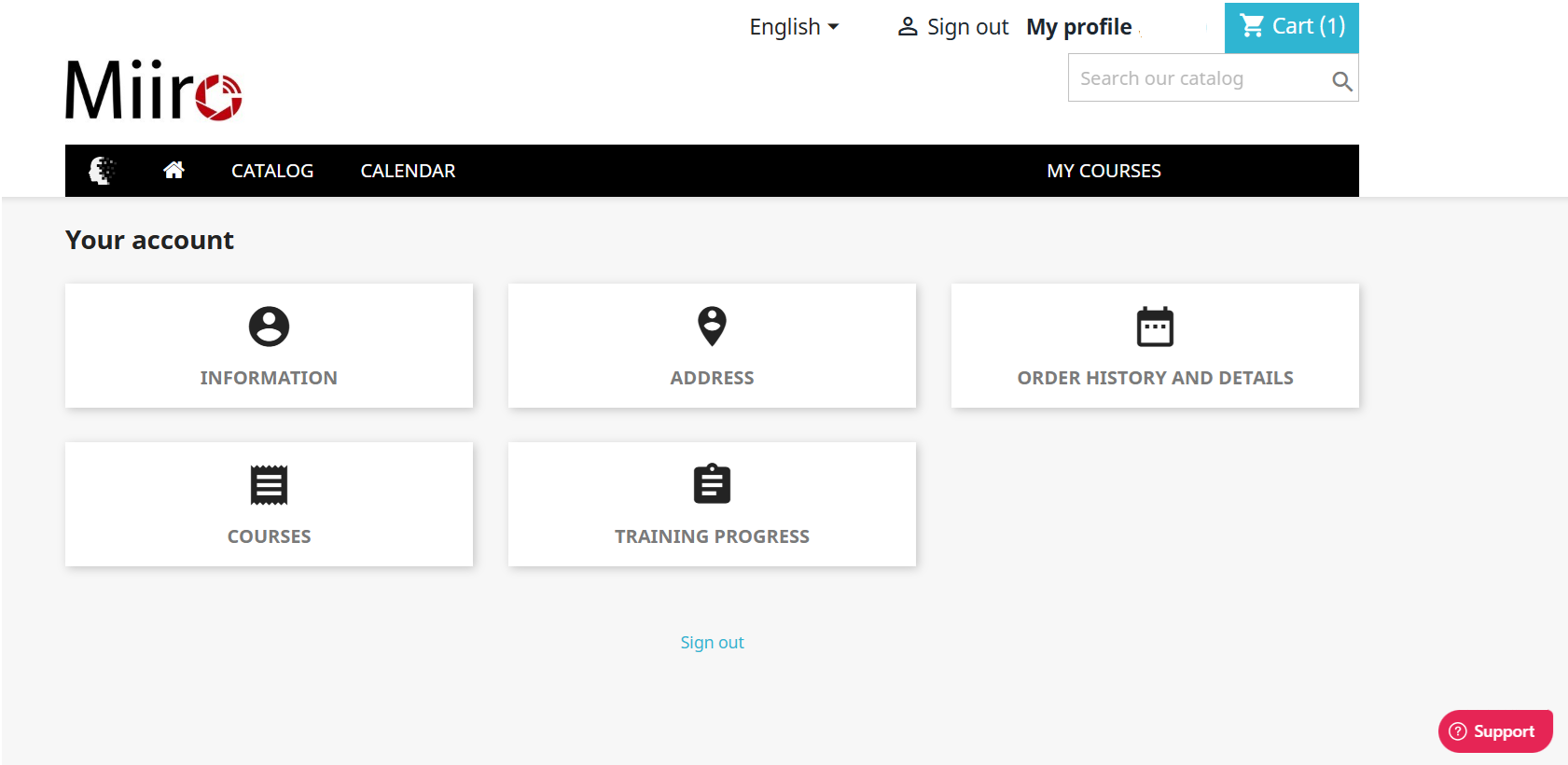
After logging in, you will automatically be redirected to your dashboard.
How do I purchase a training course?
Once logged in, you can proceed with purchasing a training course. To do so, select the training course you wish to purchase. For this example, we will use the course Better Understanding the Dynamics of Difficult Groups.
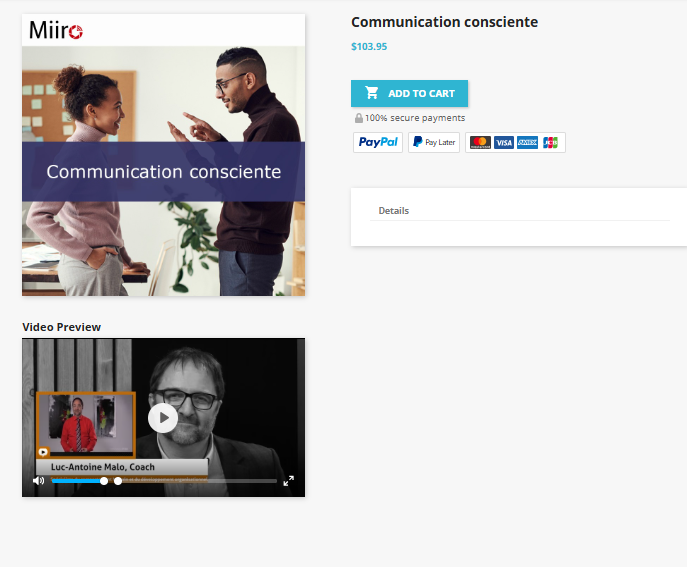
When you click on the course, you will find information about it: the description, the price, the duration, the instructors, etc.
If you are interested in the course, you can proceed with the purchase by first adding it to your cart.
After adding the course to your cart, all that remains is to complete your purchase.
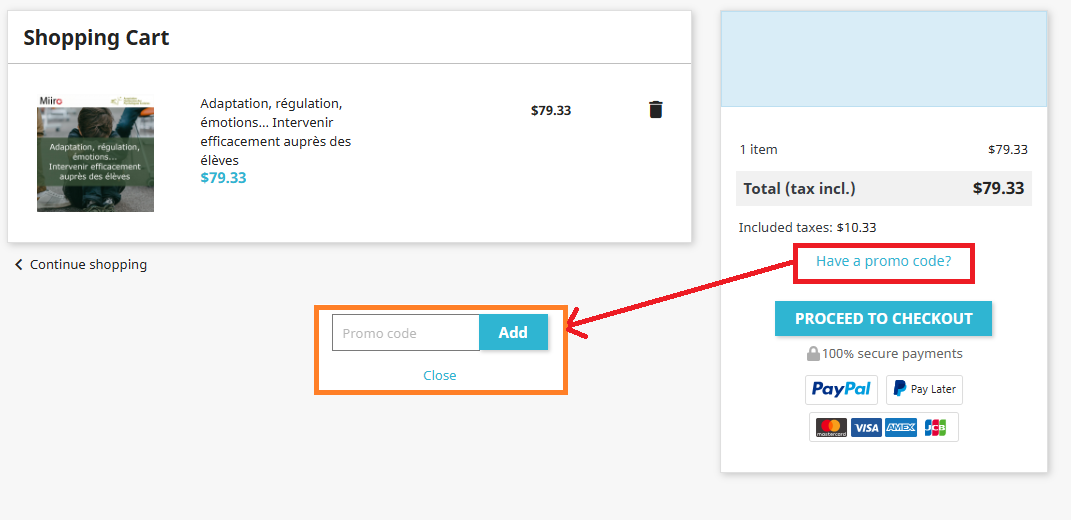
If you would like to use a promo code, click on Have a promo code?, enter it in the field that appears, then confirm it.
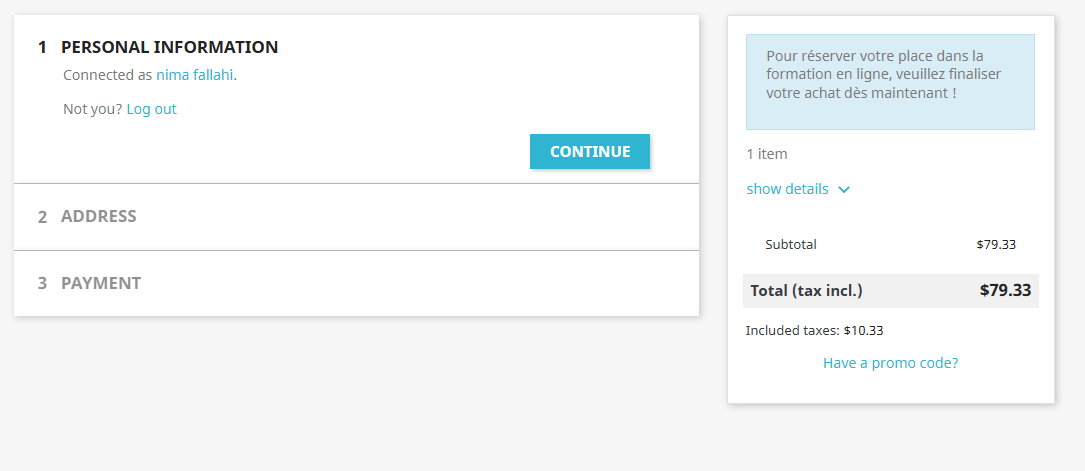
To complete your purchase, make sure you are logged in. If not, log in now.
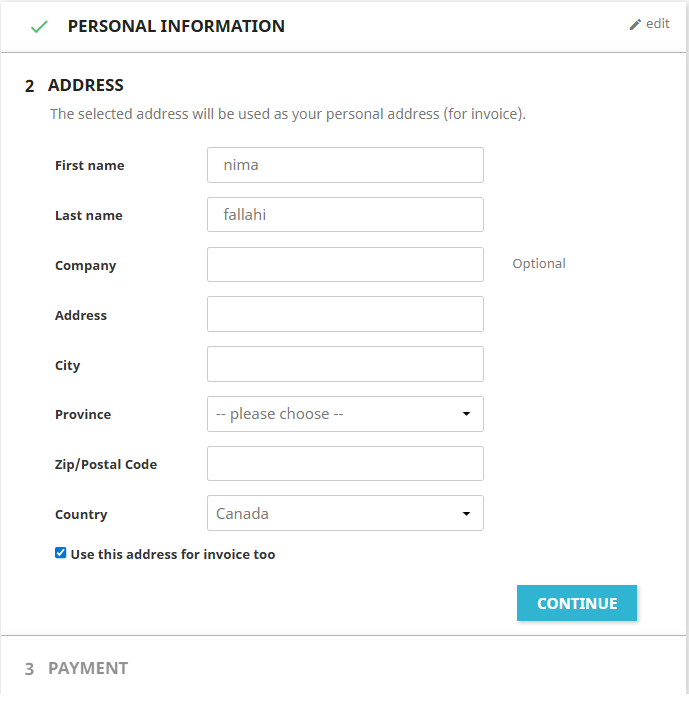
Enter your full address as well as your first and last name.
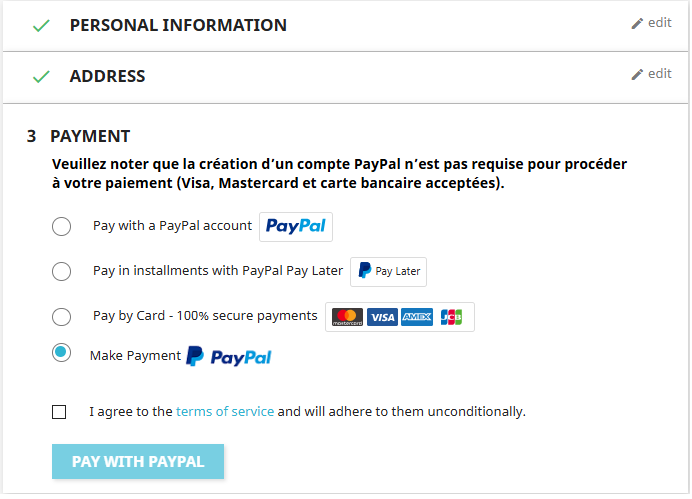
Finally, choose your payment method from the available options.
After completing your purchase, you can go to the My Courses section to view and follow your trainings.
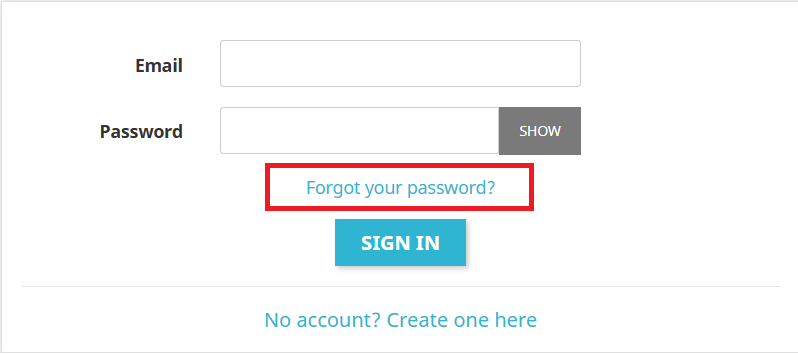
Don’t panic! If you forgot your password or would like to change it, go to the page and click on the link
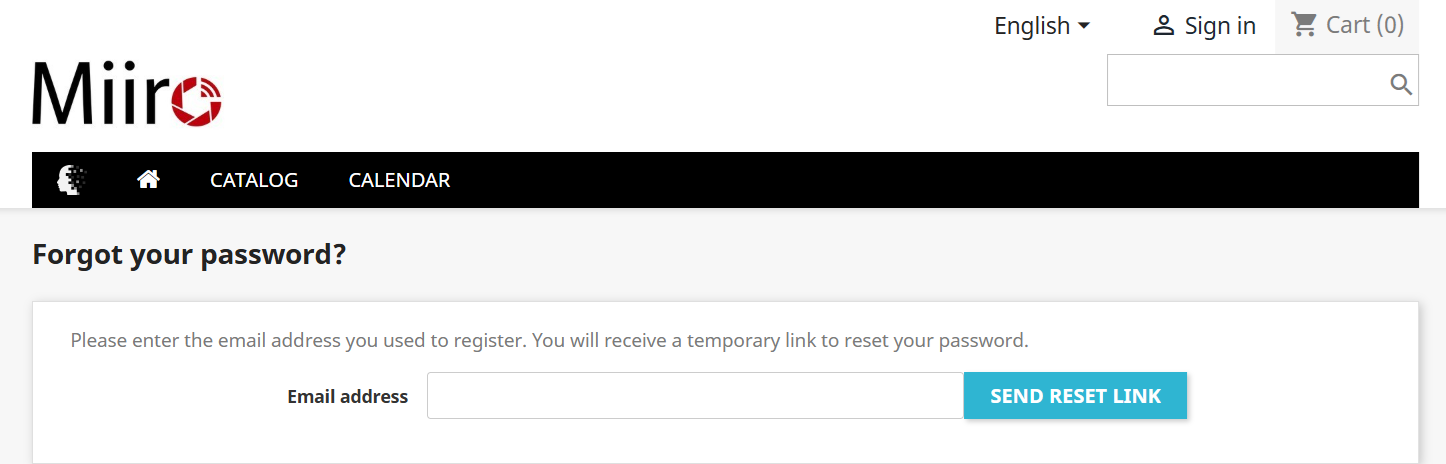
After clicking on “Forgot password?”, a new page will open. You will need to enter in the email field the email address associated with your Miiro account, the one used when creating the account. A password reset link will then be sent to that email address.
Payment methods
Even though payments are processed through PayPal’s online payment service, you can choose between several payment methods, namely:
-
PayPal account;
-
Visa credit card;
-
Mastercard credit card;
-
Debit card.
If your PayPal account is already saved in your browser, we recommend checking which credit card is saved in your PayPal profile, especially if you intend to purchase a training course with a corporate card.
When purchasing a training course, you will receive an order confirmation email at the email address you used to create your account. In this email, you will see the order details as well as a link taking you back to the store where the purchase was made. To watch the training course, please refer to the section “How do I access my trainings to watch them?” of our FAQ.
When you purchase a training course on Miiro, it is automatically activated in your dashboard so that you can access it from the site.
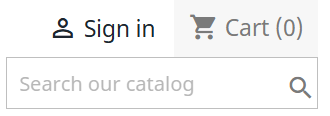
To watch your training course, simply log in to your account by accessing it through the , button located at the top right of the screen, on the login page. You can then enter the email address and password chosen during your registration.
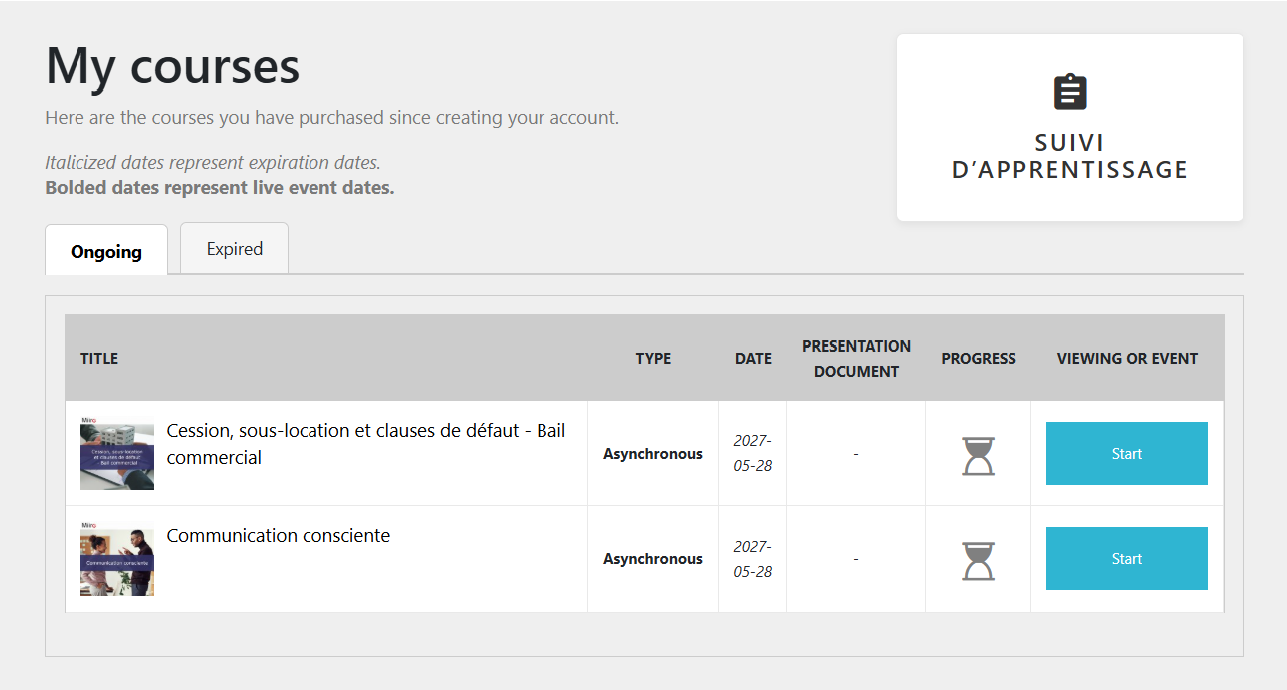
Once logged in to your account, you need to go to the My Courses, which is also accessible from the navigation menu bar or from your dashboard.

To go to your dashboard, click the “My Account (Your first name)” link at the top right of the screen. Then click the “Courses”.
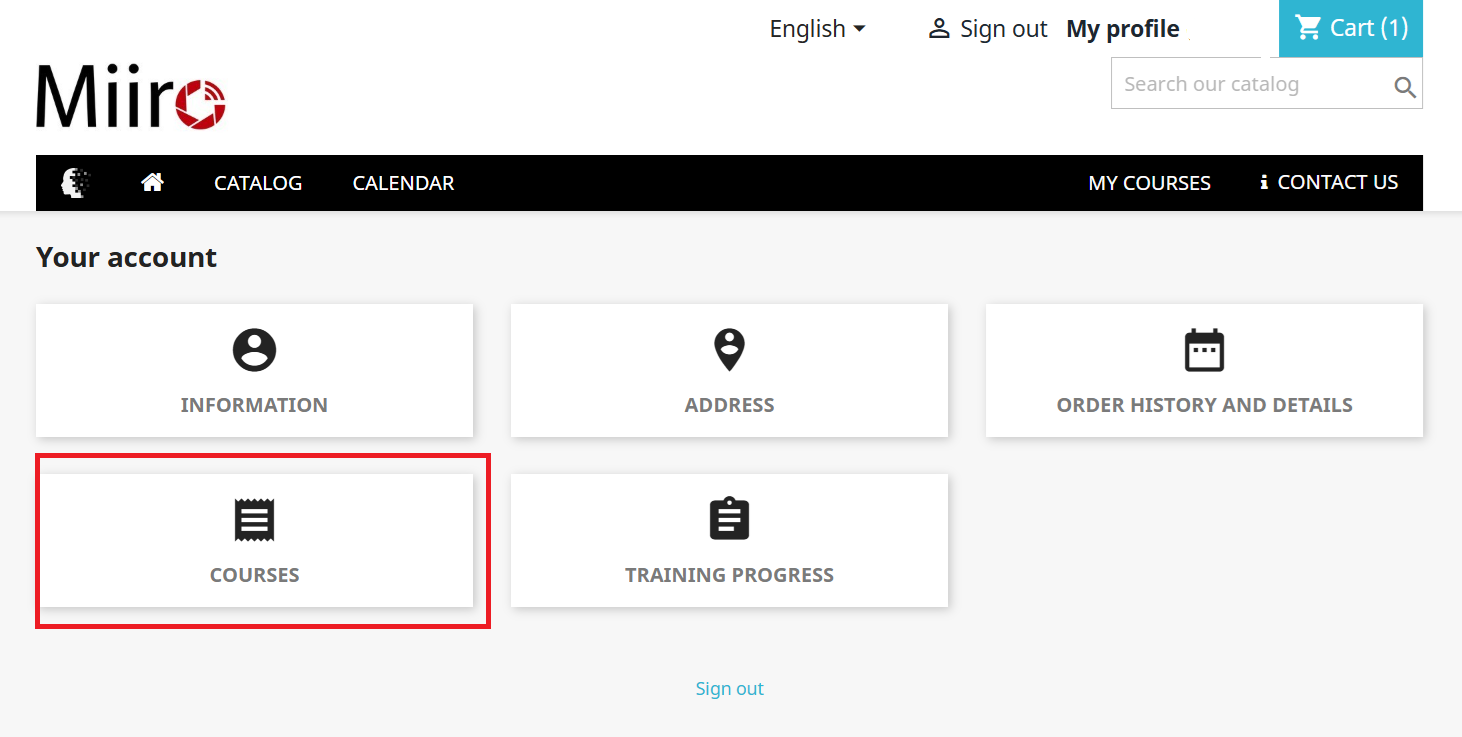
Once your list of trainings is displayed, choose the one you want to watch and click the “Start”.
Issues related to playing training courses are generally caused by your internet connection speed or your browser settings. Please note that we are unable to provide technical support to users of Windows 7 or older, or OS X El Capitan 10.11.6 or older due to the limitations of these operating systems. Regarding browsers, Internet Explorer is no longer supported. We recommend using Miiro with newer operating systems and browsers to avoid any issues.
But don’t worry! Here are some tips to quickly resolve playback issues:
Technical issues during video playback or audio playback:
First, check your browser settings:
-
Make sure you are using the latest version of Google Chrome or Mozilla Firefox. If you are not using one of these browsers, we recommend downloading one to avoid this type of error.
-
Clear your cookies and cache from your browser settings.
-
If the issue persists, try accessing the Miiro site from a private browsing window. To open a private browsing window, open your browser, then click the three dots at the top right and select “New private browsing window”.
-
If you have ad blockers installed on your browser or other plug-ins such as AdBlock, we recommend disabling them. If you have an antivirus such as Windows Defender, McAfee, or any other antivirus installed on your browser, also consider disabling it or creating an exception in the settings.
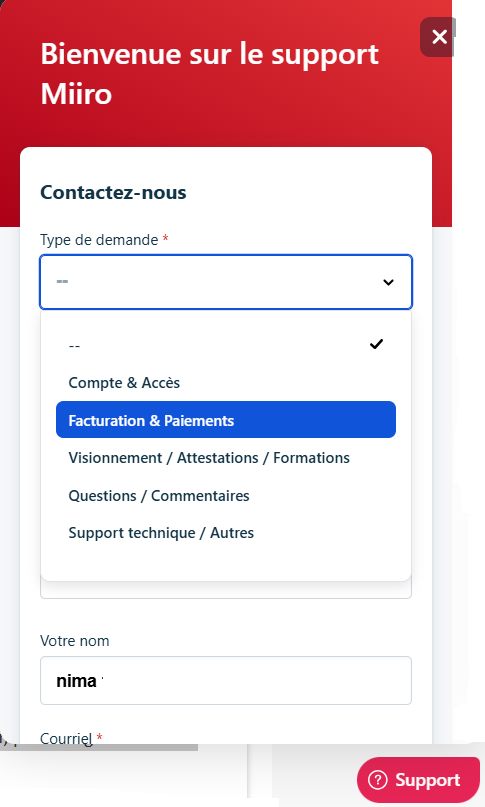
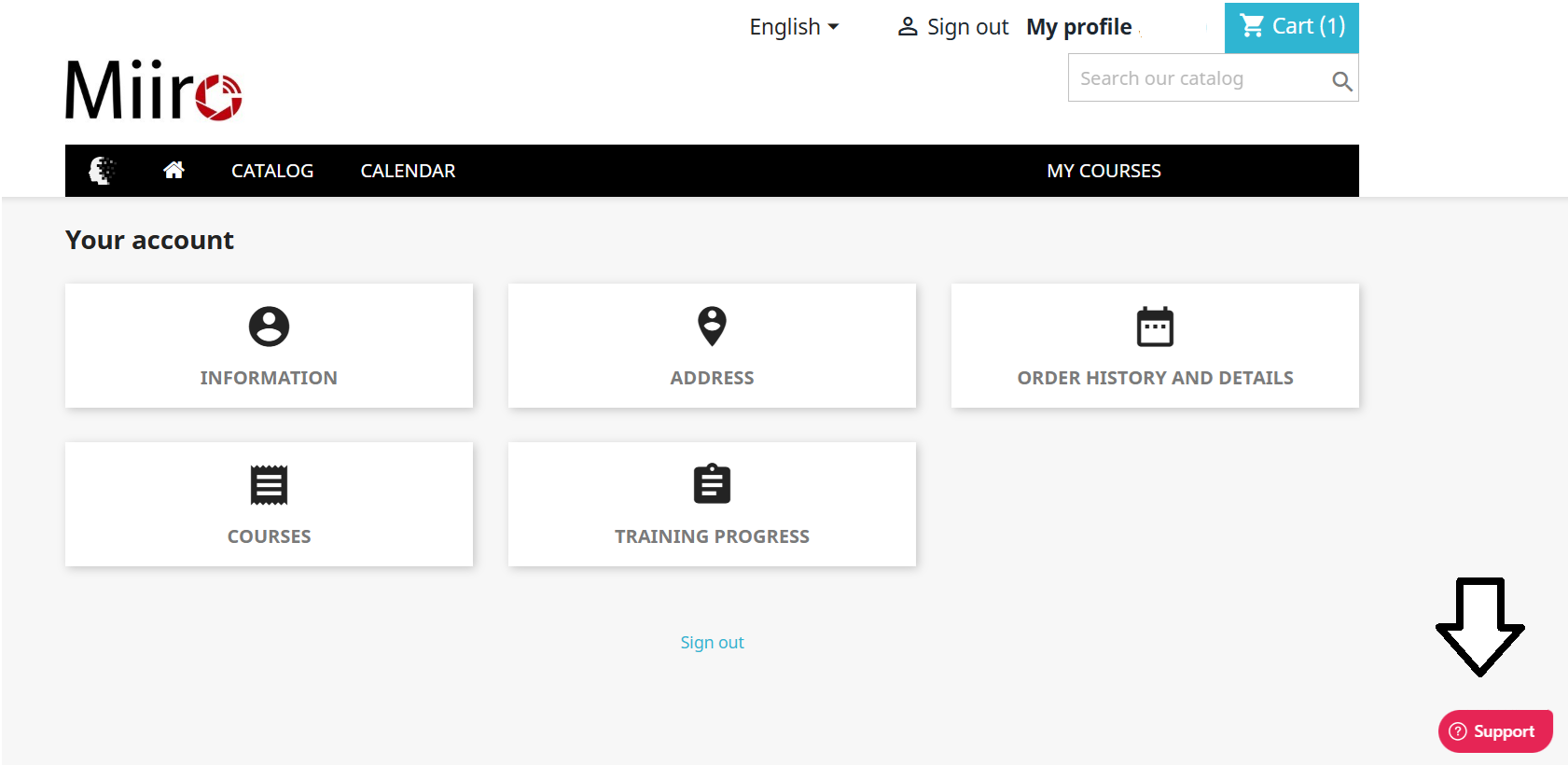
If, despite the recommendations above, the issue persists, please use the Support button located at the bottom right of the page and indicate the steps you have tried so that we can continue to help you.
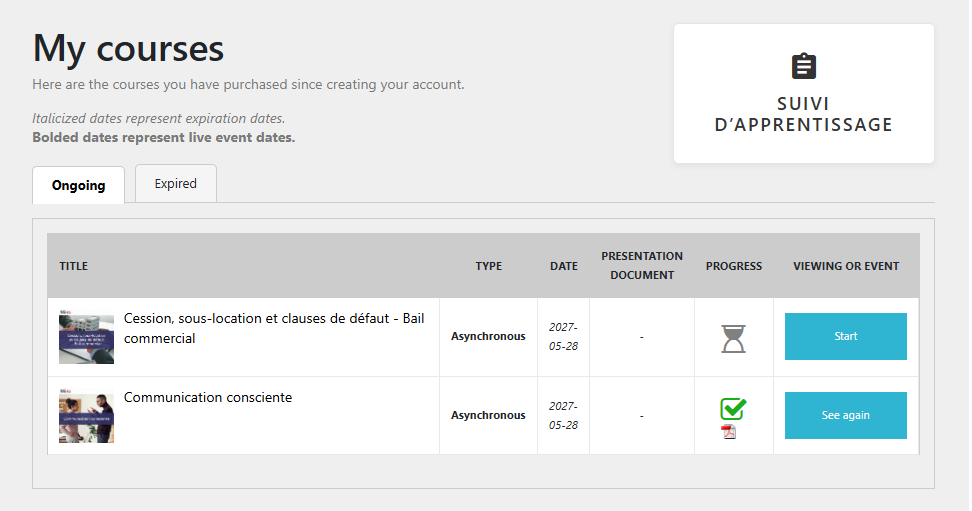
When you complete a training course, you can access your certificate on your dashboard and download it in PDF format. Simply go to the My Courses, accessible from your dashboard. You will find the list of your trainings and their progress status there. For all trainings that you have fully watched, a PDF document icon will appear in the Progresscolumn. Simply click this icon to download your certificate.
For refunds, please contact us via the Support button located at the bottom right of the page and select the “Billing & Payments” category. Your request should be processed within 48 business hours. If the refund is approved, it will be issued via PayPal using the payment method used at the time of purchase.